
Use it directly
- CSV and JSON exports
- Airtable or spreadsheet delivery
- Database and warehouse-ready records
- Customer-controlled backups
Monitor an agreed mix of public and customer-authorized paid tender portals, apply qualification rules, track changes, and deliver source-linked opportunities and files into Airtable.
Your input
You do not need to prepare technical configuration. Provide the business requirements, examples, and approved access; we translate them into fields, rules, and a tested schedule.
The result
A recurring Airtable review queue containing qualified tender opportunities, official source links, deadlines, amendments, published bidder information, attachments, and transparent portal-run status.
Best for: General contractors, specialty trades, suppliers, government contractors, bid teams, estimators, business-development teams, and organisations checking several procurement portals repeatedly.
AI-ready delivery
Receive normalized records directly or let an approved agent retrieve them through a scoped interface. Source evidence, transformations, timestamps, and exception states remain available for review.
Explore managed services for outreach and follow-upConfigurable service
The modules describe business capabilities, not separate tools to operate. Select the coverage, filters, review rules, schedule, and destination during setup.
Worked example
Examples show the delivery structure before setup. Names and values are illustrative, not client records or performance claims.
Example input
{
  "portals": [
    { "name": "Commercial portal A", "access": "secure handoff after approval", "saved_search": "Northeast electrical projects" },
    { "name": "State procurement portal", "access": "public", "saved_search": "Facilities and construction" }
  ],
  "filters": {
    "geographies": ["NY", "NJ"],
    "trades": ["electrical", "low voltage"],
    "minimum_value_usd": 100000,
    "minimum_days_to_deadline": 7
  },
  "cadence": "Every 3 hours",
  "files": ["PDF", "CSV", "XLSX"],
  "delivery": "Customer Airtable base"
}
Example delivery
Illustrative record{
"opportunity_id": "SYNTHETIC-PORTAL-2026-0142",
"title": "Municipal facility electrical upgrade",
"source_portals": ["Commercial portal A", "County bids portal"],
"buyer": "Illustrative municipal authority",
"location": "New York",
"trades": ["electrical", "low voltage"],
"published_value_usd": null,
"bid_deadline": "2026-09-04T17:00:00-04:00",
"qualification_status": "review",
"qualification_reasons": ["target geography", "target trade"],
"amendment_status": "addendum_detected",
"published_bidders": ["Illustrative bidder A", "Illustrative bidder B"],
"attachments": ["plans.pdf", "bid_form.xlsx", "bidder_list.csv"],
"portal_run_status": "completed",
"airtable_delivery_status": "validated",
"collected_at": "2026-08-19T15:00:00Z"
}Installation path
The first representative run is reviewed before the workflow becomes a recurring operation.
List the portals, saved searches, qualification rules, fields, files, and Airtable destination
Confirm account authorization, portal permissions, MFA handling, and approved hosting region
Run a representative sample from every portal
Review duplicates, qualification decisions, amendments, files, bidder fields, and error states
Approve the Airtable schema and acceptance criteria
Launch the agreed schedule on a customer-approved US-hosted VPS when required
Monitor sessions, failed portals, source changes, and delivery status
Managed history
Each run can append timestamped portal observations rather than silently replacing previous records. New opportunities, status changes, deadline movements, amendments, bidder updates, attachment changes, duplicate decisions, and portal failures remain available for review.
Retention and portability
Retention is agreed during setup. Structured opportunity history can remain in the customer-owned Airtable base and be exported to CSV or JSON. Source files can be attached in Airtable or placed in customer-controlled storage according to file-size, licensing, and retention limits. Credentials and server sessions follow separately documented deletion and revocation procedures. The resulting dataset belongs to the customer. Aineed Data retains only the managed copy and history agreed for operation. CSV, JSON, Airtable, database, warehouse, scoped API, customer-controlled backup, deletion, portability, and exit-export requirements are defined during setup.
Interpretation limits
History makes comparison possible, but it does not remove source limitations or turn signals into guaranteed business outcomes.
Coverage is limited to the portals, accounts, saved searches, and permissions approved during setup
ConstructConnect and other commercial portals require a valid customer account and must permit the intended access and use
A US-hosted VPS does not override portal terms, authentication controls, licensing, geography restrictions, or access limits
Three-hour checks are scheduled monitoring, not real-time coverage, and may be delayed by maintenance, MFA, rate limits, session expiry, or source changes
No portal aggregator or workflow can guarantee complete tender coverage
Portal fields, bidder lists, attachments, and amendment history vary and may be missing, delayed, licensed, or restricted
Deduplication and qualification can produce uncertain matches that require human review
Airtable attachment and storage limits affect how large or numerous files are delivered
Customers remain responsible for account rights, portal subscriptions, bid decisions, legal requirements, and verifying final submission instructions
Safeguards
Access, retention, exports, and operating controls are confirmed for this workflow before launch.
No credentials submitted through the public website form
Secure access handoff only after scope and authorization review
Customer-created least-privilege or read-only accounts where supported
Separate client sessions and immediate access revocation
Customer-approved US-hosted VPS option with documented access boundaries
No CAPTCHA bypass or access beyond the customer account permissions
Official source links, run logs, unavailable portals, and failed checks remain visible
Attachments are handled only within agreed file types, size limits, retention, and destination rules
No representation of affiliation with ConstructConnect or any monitored portal
Related workflows
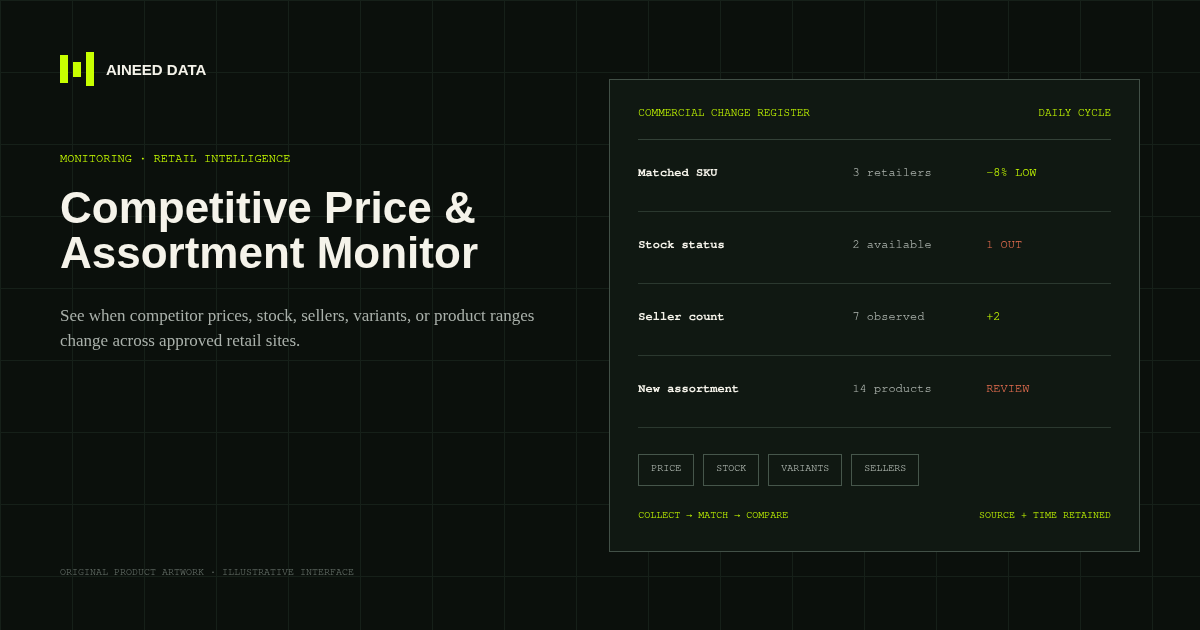
Monitoring · Configured
Know when competitor prices, availability, sellers, variants, or product ranges change across approved public retail and marketplace pages.
Explore workflow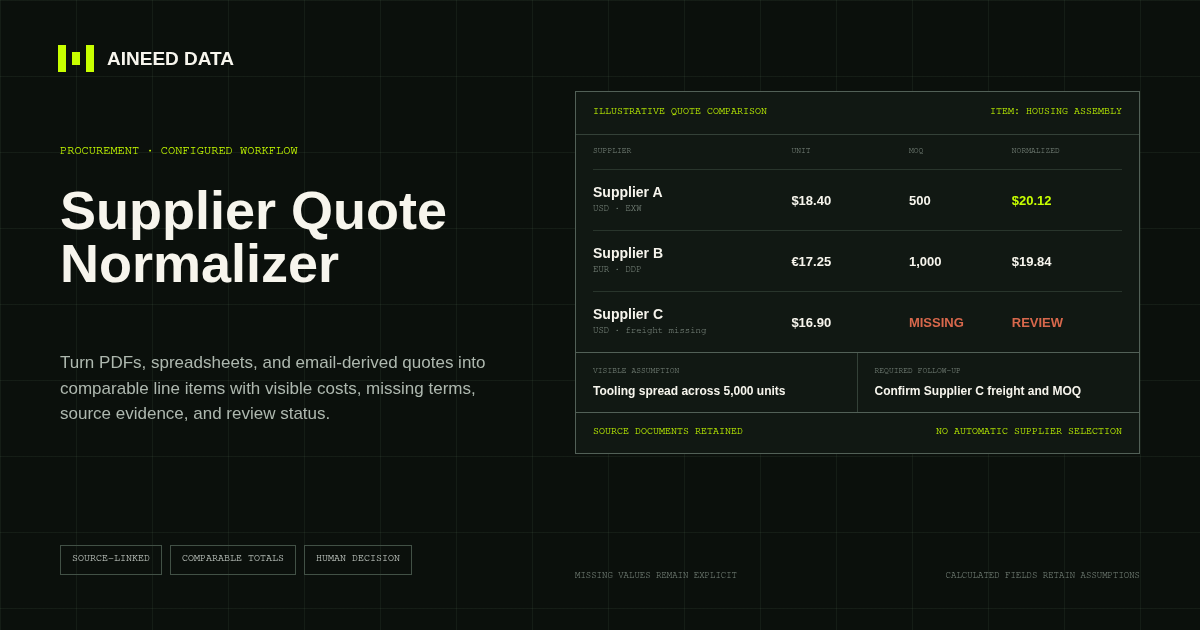
Data Collection · Configured
Convert supplier quotes from PDFs, spreadsheets, and approved email-derived text into comparable line items with explicit terms, assumptions, source evidence, and missing-information flags.
Explore workflow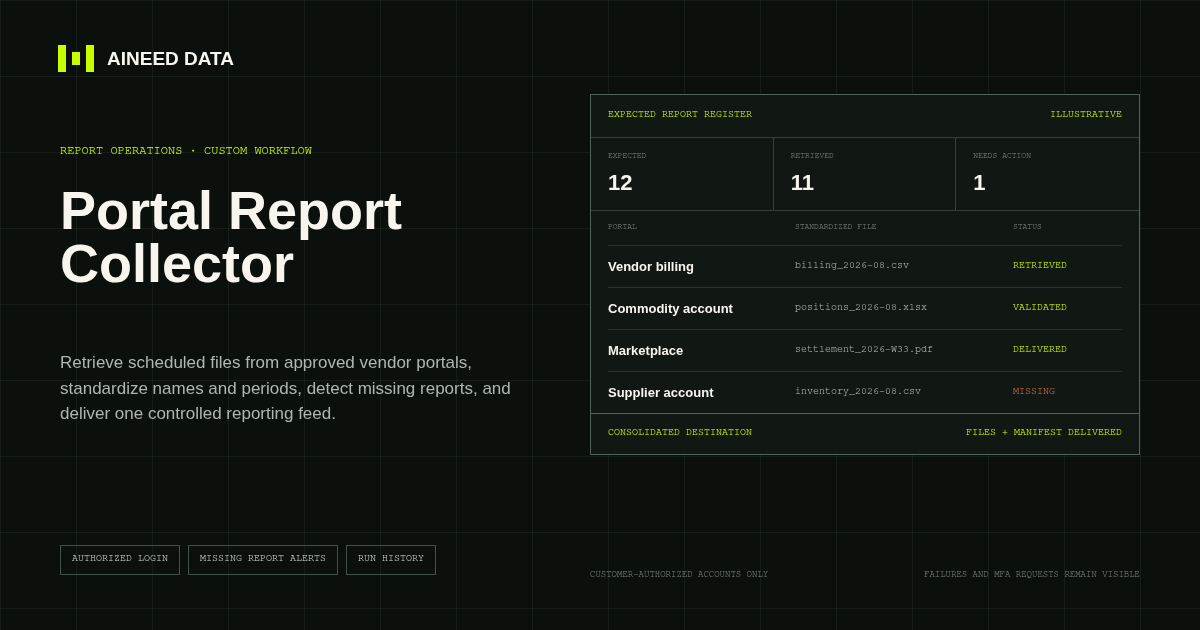
Reporting · Custom
Sign in to approved vendor and business portals on schedule, retrieve expected CSV, Excel, PDF, and other report files, and deliver one validated reporting feed.
Explore workflow
Request configuration
Share the sources, rules, and destination. We’ll verify access and confirm the final setup and monthly operating scope.