
Use it directly
- CSV and JSON exports
- Airtable or spreadsheet delivery
- Database and warehouse-ready records
- Customer-controlled backups
Monitor the European Commission Funding & Tenders Portal for grants and tenders that match your themes, programmes, status rules, and deadline windows.
Your input
You do not need to prepare technical configuration. Provide the business requirements, examples, and approved access; we translate them into fields, rules, and a tested schedule.
The result
A source-backed opportunity pipeline with relevant calls, every published cut-off date, funding and authority details when available, and clear records ready for bid review.
Best for: Grant offices, research teams, universities, consultancies, public-sector sales teams, bid managers, partnerships teams, and organisations tracking EU programmes.
AI-ready delivery
Receive normalized records directly or let an approved agent retrieve them through a scoped interface. Source evidence, transformations, timestamps, and exception states remain available for review.
Explore managed services for outreach and follow-upConfigurable service
The modules describe business capabilities, not separate tools to operate. Select the coverage, filters, review rules, schedule, and destination during setup.
Worked example
Examples show the delivery structure before setup. Names and values are illustrative, not client records or performance claims.
Example input
{
  "search_themes": ["climate adaptation", "resilient infrastructure"],
  "opportunity_type": "grants_and_tenders",
  "status": ["open", "forthcoming"],
  "programmes": ["HORIZON", "LIFE"],
  "programme_period": "2021-2027",
  "deadline_window": {
    "from": "2026-08-19",
    "to": "2026-12-31"
  },
  "max_opportunities": 200,
  "delivery": "Bid pipeline spreadsheet"
}
Example delivery
Illustrative record{
"identifier": "HORIZON-MISS-2026-01-CLIMA-03",
"title": "Standardising and supporting climate services for climate adaptation",
"opportunity_type": "grant",
"status": "open",
"programme_code": "HORIZON",
"opening_date": "2026-02-04",
"deadline_date": "2026-09-23",
"deadline_model": "single-stage",
"budget_amount": null,
"contracting_authority": null,
"official_url": "https://ec.europa.eu/info/funding-tenders/opportunities/portal/screen/opportunities/topic-details/HORIZON-MISS-2026-01-CLIMA-03",
"observed_at": "2026-08-19T09:00:00Z",
"review_status": "review"
}Installation path
The first representative run is reviewed before the workflow becomes a recurring operation.
Define themes, opportunity types, programmes, statuses, and deadline windows
Run a representative source sample
Review relevance rules, fields, null handling, and duplicate logic
Confirm alert thresholds and delivery destination
Launch the agreed monitoring schedule
Review source changes, failed runs, and newly published cut-off dates
Managed history
Scheduled runs can append newly found opportunities and timestamp changes to status, latest information, deadlines, and other published fields. Earlier observations remain available for pipeline and deadline comparison instead of being silently overwritten.
Retention and portability
Retention is agreed during setup. Opportunity history can be exported to CSV, JSON, spreadsheets, a bid pipeline, or a customer-controlled destination. Deletion requirements and any longer-term managed archive are scoped explicitly. The resulting dataset belongs to the customer. Aineed Data retains only the managed copy and history agreed for operation. CSV, JSON, Airtable, database, warehouse, scoped API, customer-controlled backup, deletion, portability, and exit-export requirements are defined during setup.
Interpretation limits
History makes comparison possible, but it does not remove source limitations or turn signals into guaranteed business outcomes.
Coverage is limited to opportunities available through the European Commission Funding & Tenders Portal
This workflow does not provide full TED procurement coverage
Published fields vary by opportunity, so budgets, agencies, countries, contribution ranges, CPV codes, or latest information may be empty
Portal status and deadline information can change after collection
Keyword and programme filters can include irrelevant records or miss opportunities using different language
The output does not determine eligibility, fit, award probability, legal requirements, or bid strategy
Teams should verify deadlines and submission requirements on the official opportunity page before acting
Safeguards
Access, retention, exports, and operating controls are confirmed for this workflow before launch.
Official source URLs retained with each opportunity
Grant-only and tender-only fields remain distinct
Missing source values remain empty rather than inferred
All published cut-off dates can be preserved
Changed and newly found records remain timestamped
No representation of European Commission affiliation, endorsement, or eligibility approval
Related workflows
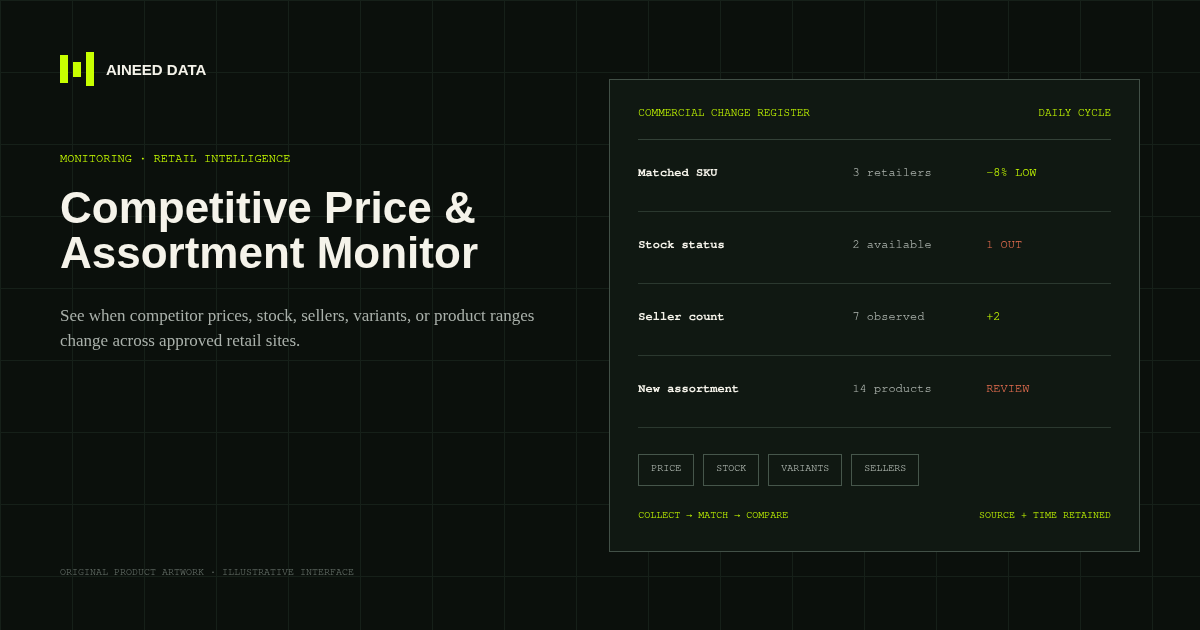
Monitoring · Configured
Know when competitor prices, availability, sellers, variants, or product ranges change across approved public retail and marketplace pages.
Explore workflow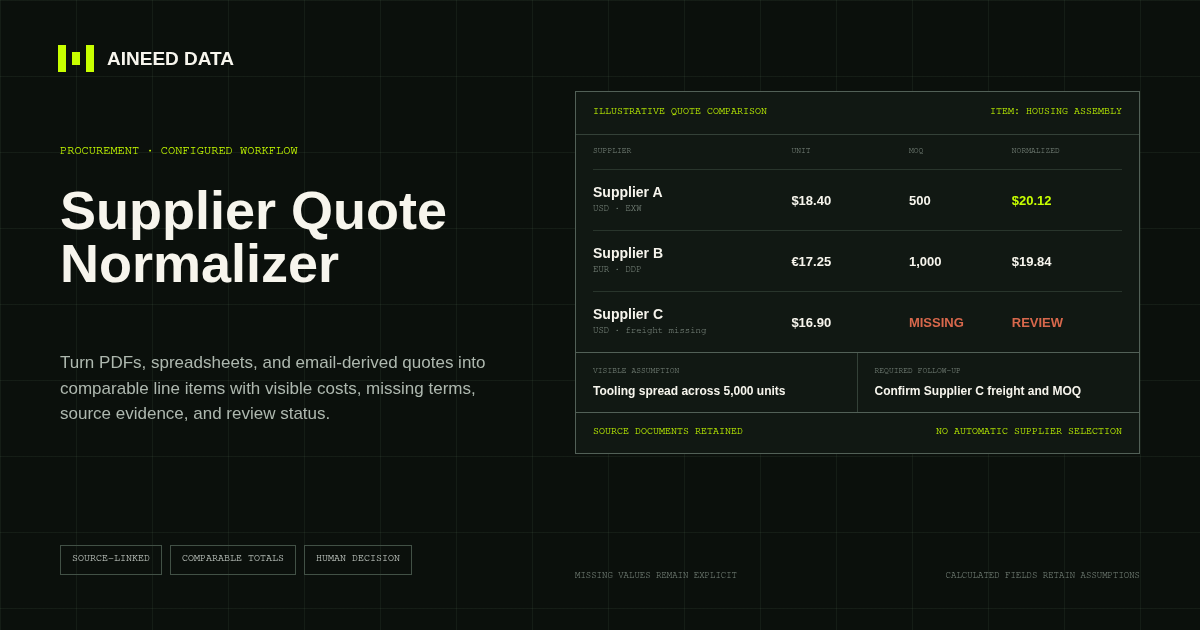
Data Collection · Configured
Convert supplier quotes from PDFs, spreadsheets, and approved email-derived text into comparable line items with explicit terms, assumptions, source evidence, and missing-information flags.
Explore workflow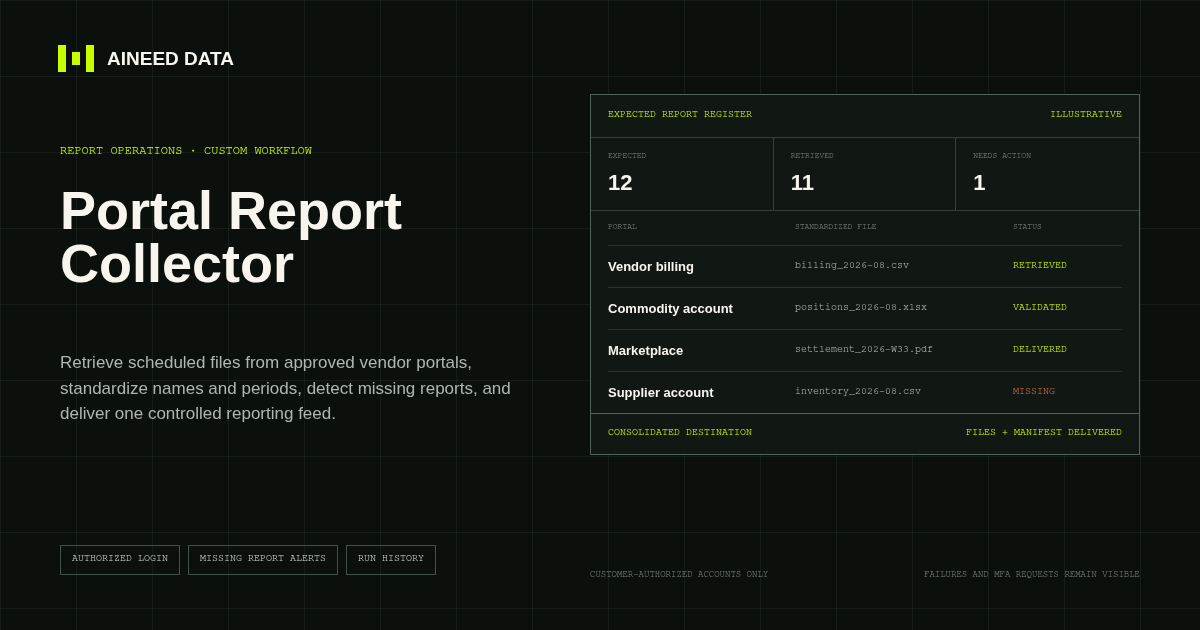
Reporting · Custom
Sign in to approved vendor and business portals on schedule, retrieve expected CSV, Excel, PDF, and other report files, and deliver one validated reporting feed.
Explore workflow
Request configuration
Share the sources, rules, and destination. We’ll verify access and confirm the final setup and monthly operating scope.