
Use it directly
- CSV and JSON exports
- Airtable or spreadsheet delivery
- Database and warehouse-ready records
- Customer-controlled backups
Convert supplier quotes from PDFs, spreadsheets, and approved email-derived text into comparable line items with explicit terms, assumptions, source evidence, and missing-information flags.
Your input
You do not need to prepare technical configuration. Provide the business requirements, examples, and approved access; we translate them into fields, rules, and a tested schedule.
The result
A procurement review table that aligns supplier, item, price, currency, MOQ, lead time, freight, tooling, packaging, payment, certification, and normalized-cost fields without selecting a supplier automatically.
Best for: Procurement, sourcing, manufacturing, operations, finance, estimating, and supply-chain teams comparing inconsistent quotes across many suppliers and parts.
AI-ready delivery
Receive normalized records directly or let an approved agent retrieve them through a scoped interface. Source evidence, transformations, timestamps, and exception states remain available for review.
Explore managed services for outreach and follow-upConfigurable service
The modules describe business capabilities, not separate tools to operate. Select the coverage, filters, review rules, schedule, and destination during setup.
Worked example
Examples show the delivery structure before setup. Names and values are illustrative, not client records or performance claims.
Example input
{
  "target_item": { "part_number": "HA-204", "description": "Aluminium housing assembly", "target_quantity": 5000, "base_currency": "USD" },
  "documents": [
    { "supplier": "Supplier A", "file": "quote_A.pdf" },
    { "supplier": "Supplier B", "file": "quote_B.xlsx" },
    { "supplier": "Supplier C", "file": "quote_C_email.txt" }
  ],
  "assumptions": { "tooling_amortization_units": 5000, "freight_method": "allocate by line value", "exchange_rate_date": "2026-08-19" },
  "delivery": "Airtable comparison table"
}
Example delivery
Illustrative record{
"supplier": "Supplier A", "quote_reference": "SYNTHETIC-Q-1042", "item_part_number": "HA-204", "item_description": "Aluminium housing assembly", "unit_price": 18.40, "currency": "USD", "moq": 500, "lead_time_days": 35, "freight_cost": 610, "tooling_cost": 2500, "packaging_cost_per_unit": 0.20, "payment_terms": "30% deposit, balance before shipment", "certifications": ["ISO 9001 stated"], "normalized_quantity": 5000, "normalized_total_usd": 100600, "normalized_unit_usd": 20.12, "calculation_assumptions": ["Tooling spread across 5,000 units", "Freight allocated to this line"], "missing_information": [], "source_reference": "quote_A.pdf, page 2, line 4", "review_status": "review"
}Installation path
The first representative run is reviewed before the workflow becomes a recurring operation.
Provide representative quotes, item specifications, target quantities, currencies, and comparison rules
Define the normalized field dictionary, units, exchange-rate policy, freight treatment, and one-time-cost assumptions
Process a sample across PDF, spreadsheet, and email-derived formats
Review item matching, source references, missing fields, formulas, and uncertain values
Approve the comparison table and acceptance criteria
Launch batch or recurring quote normalization
Route changed templates, conflicting terms, and low-confidence records for review
Managed history
Each quote batch can append a timestamped supplier and line-item observation instead of overwriting earlier offers. Price, quantity break, lead time, validity, freight, tooling, payment, certification, missing fields, assumptions, and review decisions remain available for comparison.
Retention and portability
Retention is agreed during setup. Original quote documents and normalized records can remain in a customer-controlled folder, Airtable base, procurement system, or database. Exports are available as Excel, CSV, or JSON. Email content, temporary files, source documents, and managed archives follow documented retention and deletion rules. The resulting dataset belongs to the customer. Aineed Data retains only the managed copy and history agreed for operation. CSV, JSON, Airtable, database, warehouse, scoped API, customer-controlled backup, deletion, portability, and exit-export requirements are defined during setup.
Interpretation limits
History makes comparison possible, but it does not remove source limitations or turn signals into guaranteed business outcomes.
Results depend on the completeness, readability, and consistency of customer-provided documents
Scans, handwriting, merged cells, unusual layouts, formulas, password-protected files, and conflicting document sections can require manual review
Similar descriptions do not prove that two quoted items meet the same specification
Currency conversion, freight, duties, taxes, tooling amortization, and normalized totals depend on agreed assumptions and may not equal final landed cost
Missing information cannot be inferred reliably and remains a follow-up item
Certifications and commercial terms are recorded as supplied and are not independently verified unless separately scoped
The workflow does not assess supplier solvency, quality, legal compliance, capacity, or award suitability
Procurement teams remain responsible for supplier communication, validation, negotiation, approval, and purchasing decisions
Safeguards
Access, retention, exports, and operating controls are confirmed for this workflow before launch.
Original documents retained or linked according to the agreed scope
Every extracted value retains a source document, page, sheet, row, or text reference when available
Missing values remain missing and are never silently invented
Raw quoted values remain separate from converted and normalized calculations
Exchange rates, quantity assumptions, freight allocation, and tooling amortization remain visible
Uncertain item matches and conflicting terms require human review
No automatic supplier award, purchase order, or consequential procurement action
Related workflows
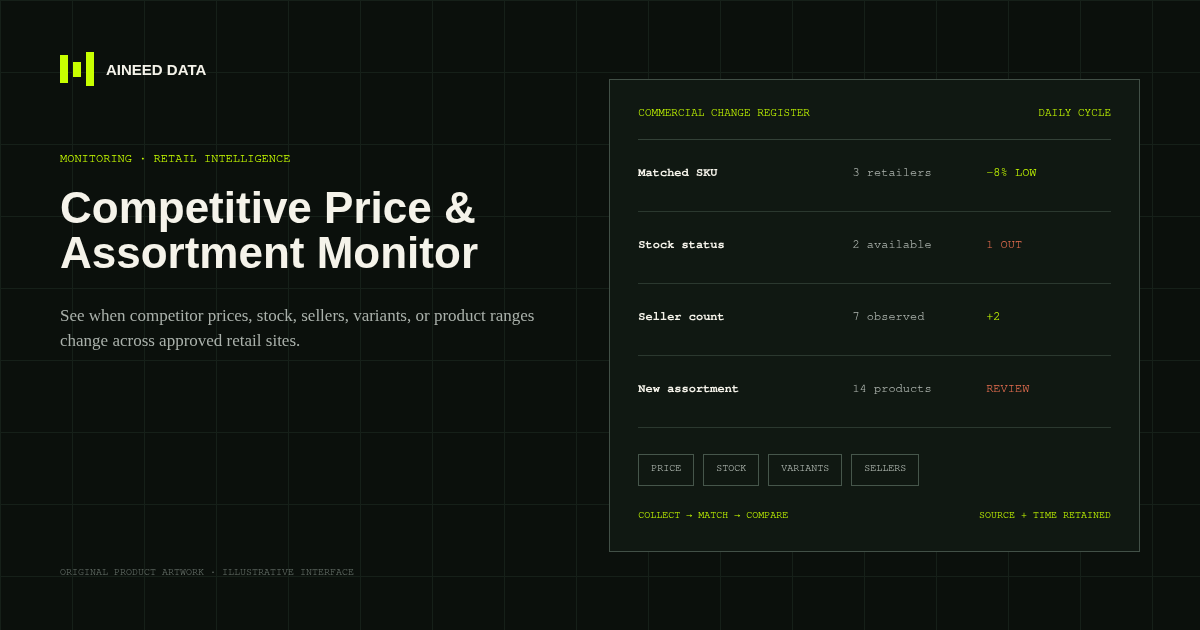
Monitoring · Configured
Know when competitor prices, availability, sellers, variants, or product ranges change across approved public retail and marketplace pages.
Explore workflow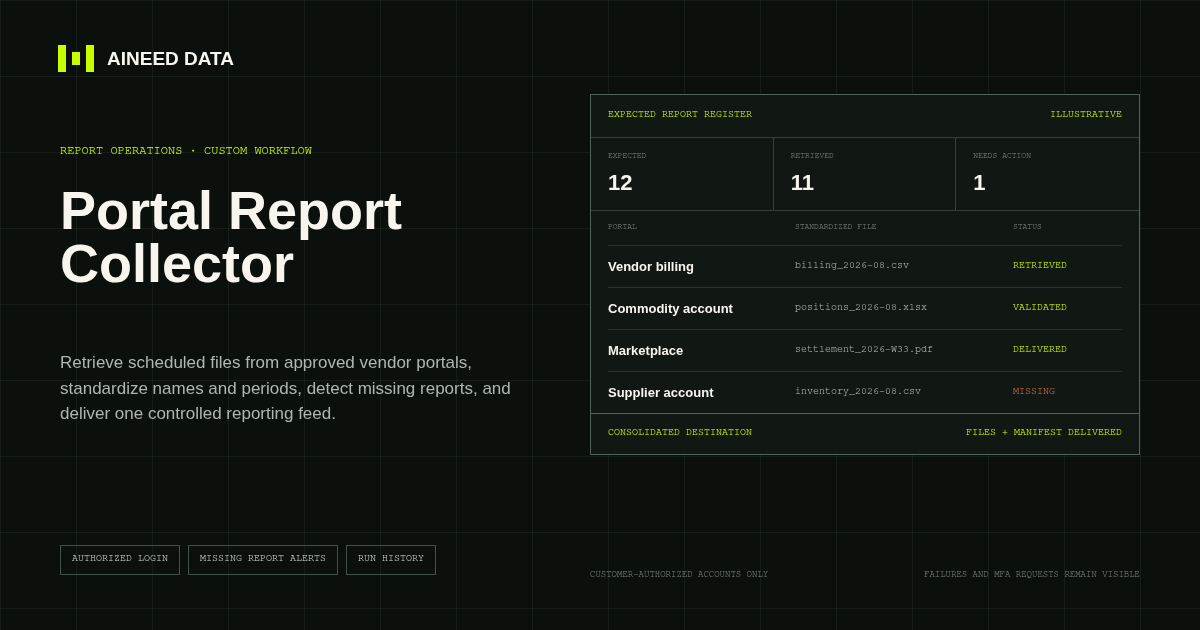
Reporting · Custom
Sign in to approved vendor and business portals on schedule, retrieve expected CSV, Excel, PDF, and other report files, and deliver one validated reporting feed.
Explore workflow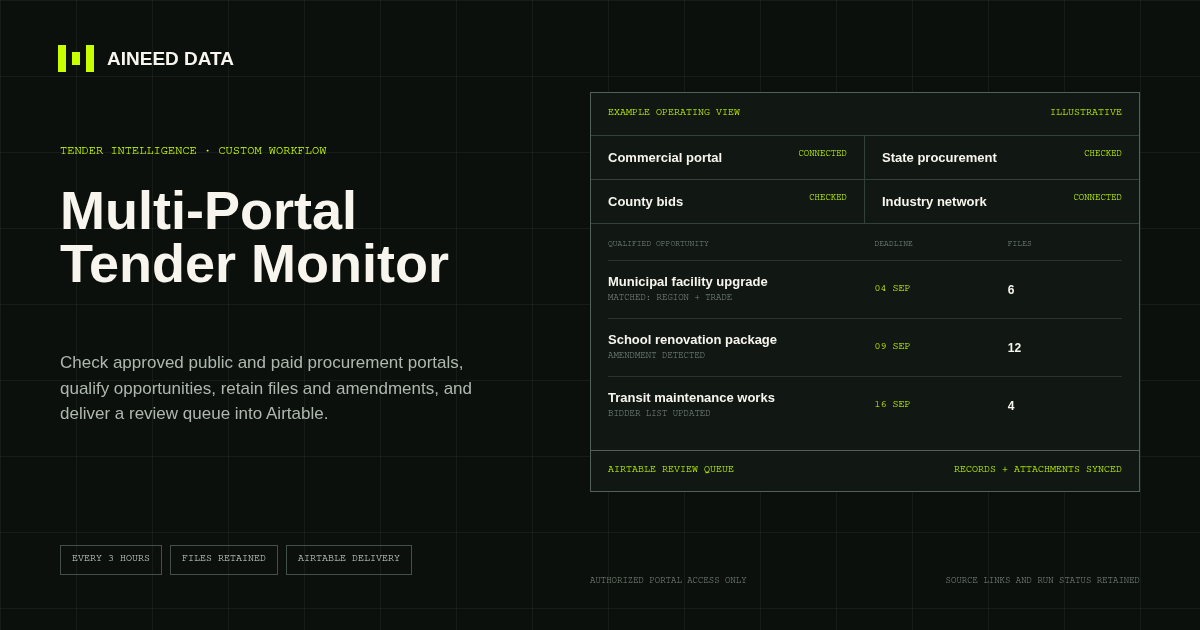
Monitoring · Custom
Monitor an agreed mix of public and customer-authorized paid tender portals, apply qualification rules, track changes, and deliver source-linked opportunities and files into Airtable.
Explore workflow
Request configuration
Share the sources, rules, and destination. We’ll verify access and confirm the final setup and monthly operating scope.