
Use it directly
- CSV and JSON exports
- Airtable or spreadsheet delivery
- Database and warehouse-ready records
- Customer-controlled backups
Sign in to approved vendor and business portals on schedule, retrieve expected CSV, Excel, PDF, and other report files, and deliver one validated reporting feed.
Your input
You do not need to prepare technical configuration. Provide the business requirements, examples, and approved access; we translate them into fields, rules, and a tested schedule.
The result
A consolidated set of consistently named reports plus a manifest showing what was expected, retrieved, missing, late, duplicated, failed, or awaiting authentication review.
Best for: Finance, bookkeeping, BI, operations, commodities, marketplace, franchise, supplier-management, and data teams repeatedly downloading reports from several customer-authorized accounts.
AI-ready delivery
Receive normalized records directly or let an approved agent retrieve them through a scoped interface. Source evidence, transformations, timestamps, and exception states remain available for review.
Explore managed services for outreach and follow-upConfigurable service
The modules describe business capabilities, not separate tools to operate. Select the coverage, filters, review rules, schedule, and destination during setup.
Worked example
Examples show the delivery structure before setup. Names and values are illustrative, not client records or performance claims.
Example input
{
  "portals": [
    { "name": "Vendor billing portal", "report": "Monthly billing export", "format": "CSV", "expected_by": "Business day 2" },
    { "name": "Commodity account", "report": "Position statement", "format": "XLSX", "expected_by": "Daily 07:00 ET" }
  ],
  "filename_pattern": "{portal}_{report}_{period}.{extension}",
  "missing_after_hours": 6,
  "duplicate_check": "checksum",
  "delivery": "Customer-controlled intake folder"
}
Example delivery
Illustrative record{
"portal": "Vendor billing portal",
"account_reference": "synthetic-account-01",
"report_type": "Monthly billing export",
"report_period": "2026-07",
"expected_at": "2026-08-02T12:00:00Z",
"retrieved_at": "2026-08-02T12:14:00Z",
"original_filename": "BillingExport.csv",
"standardized_filename": "vendor_billing_2026-07.csv",
"file_type": "text/csv",
"file_size_bytes": 184205,
"checksum_status": "unique",
"schema_status": "valid",
"report_status": "retrieved",
"delivery_status": "delivered",
"review_status": "complete"
}Installation path
The first representative run is reviewed before the workflow becomes a recurring operation.
Inventory every portal, expected report, reporting period, release schedule, and destination
Confirm customer authorization, account permissions, MFA handling, hosting region, and retention
Run a representative retrieval from every portal and report type
Approve naming rules, expected-report logic, file validation, and duplicate handling
Confirm delivery, database or folder intake, and acceptance criteria
Launch the agreed schedule on a customer-approved hosted environment when required
Monitor sessions, missing reports, file changes, failed downloads, and delivery status
Managed history
Each scheduled run appends an expected-report and retrieval observation rather than only replacing files. Availability, reporting period, filename, checksum, validation, delivery, missing status, retry history, and authentication exceptions remain available for audit and trend review.
Retention and portability
Retention is agreed during setup. Files are delivered to a customer-controlled folder, Airtable base, SFTP location, or intake process. Run manifests and structured metadata can be exported to CSV or JSON. Credential sessions, temporary downloads, failed files, and managed archives follow documented deletion and revocation procedures. The resulting dataset belongs to the customer. Aineed Data retains only the managed copy and history agreed for operation. CSV, JSON, Airtable, database, warehouse, scoped API, customer-controlled backup, deletion, portability, and exit-export requirements are defined during setup.
Interpretation limits
History makes comparison possible, but it does not remove source limitations or turn signals into guaranteed business outcomes.
Coverage is limited to the portals, accounts, reports, entities, filters, and permissions approved during setup
Authenticated collection requires a valid customer account and must be permitted by the portal and subscription
Portal interfaces, export flows, filenames, file formats, and availability schedules can change without notice
MFA, CAPTCHA, maintenance, account lockout, session expiry, rate limits, or licensing restrictions can delay collection
Scheduled retrieval is not a guarantee that a source will publish every expected report on time
File presence does not guarantee that source data is complete, correct, finalized, or suitable for accounting or regulatory use
Structured-file validation covers agreed technical checks and does not replace financial, legal, or business approval
Customers remain responsible for account rights, source-data interpretation, required recordkeeping, and downstream controls
Safeguards
Access, retention, exports, and operating controls are confirmed for this workflow before launch.
No passwords submitted through the public website form
Secure credential handoff only after scope and authorization review
Customer-created least-privilege or read-only accounts where supported
Separate client sessions and immediate access revocation
No CAPTCHA bypass or access beyond customer account permissions
MFA, session expiry, portal maintenance, and access failures remain visible for human handling
Original file, checksum, report period, and source context retained in the manifest when available
Files delivered only to the agreed customer-controlled destination
Credential, file, and run-log retention documented before launch
Related workflows
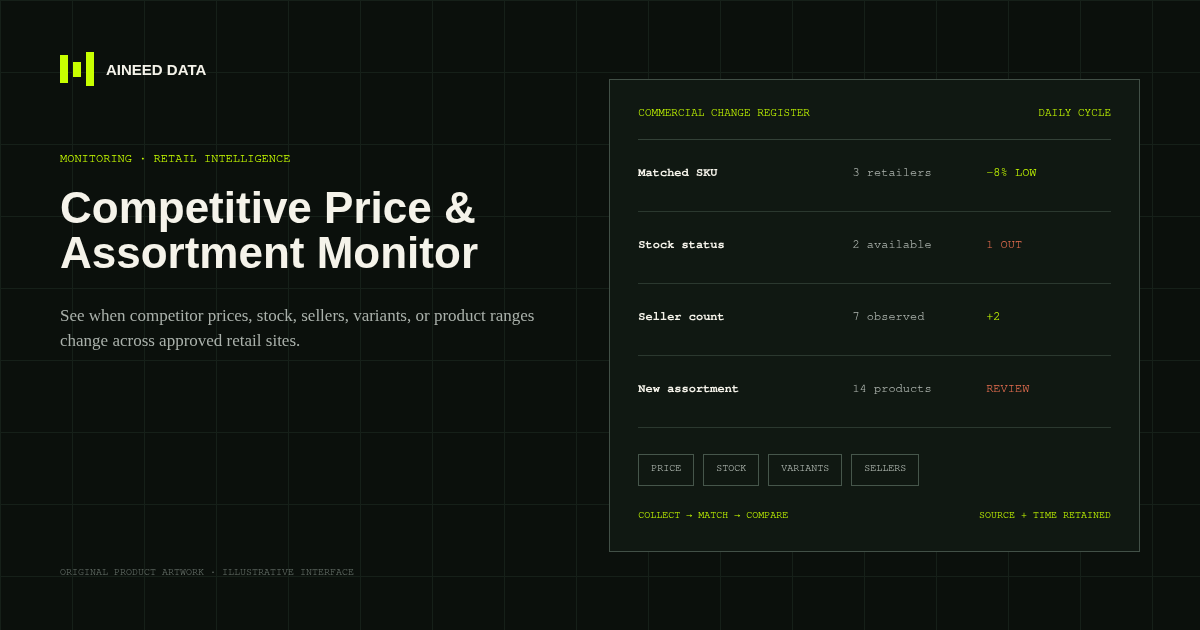
Monitoring · Configured
Know when competitor prices, availability, sellers, variants, or product ranges change across approved public retail and marketplace pages.
Explore workflow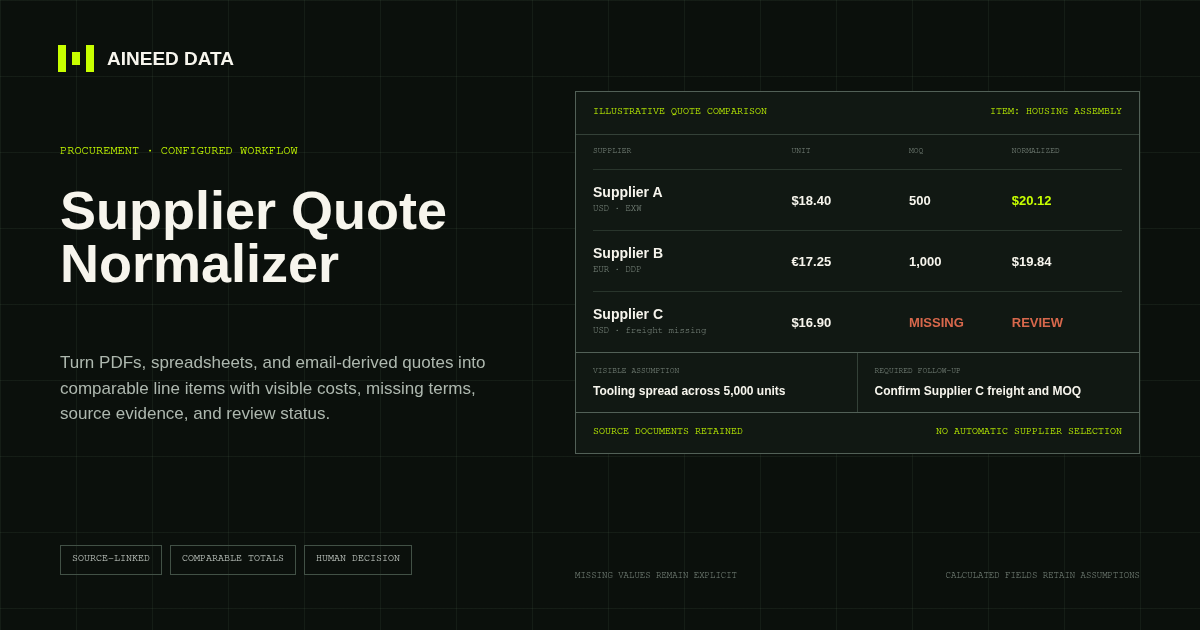
Data Collection · Configured
Convert supplier quotes from PDFs, spreadsheets, and approved email-derived text into comparable line items with explicit terms, assumptions, source evidence, and missing-information flags.
Explore workflow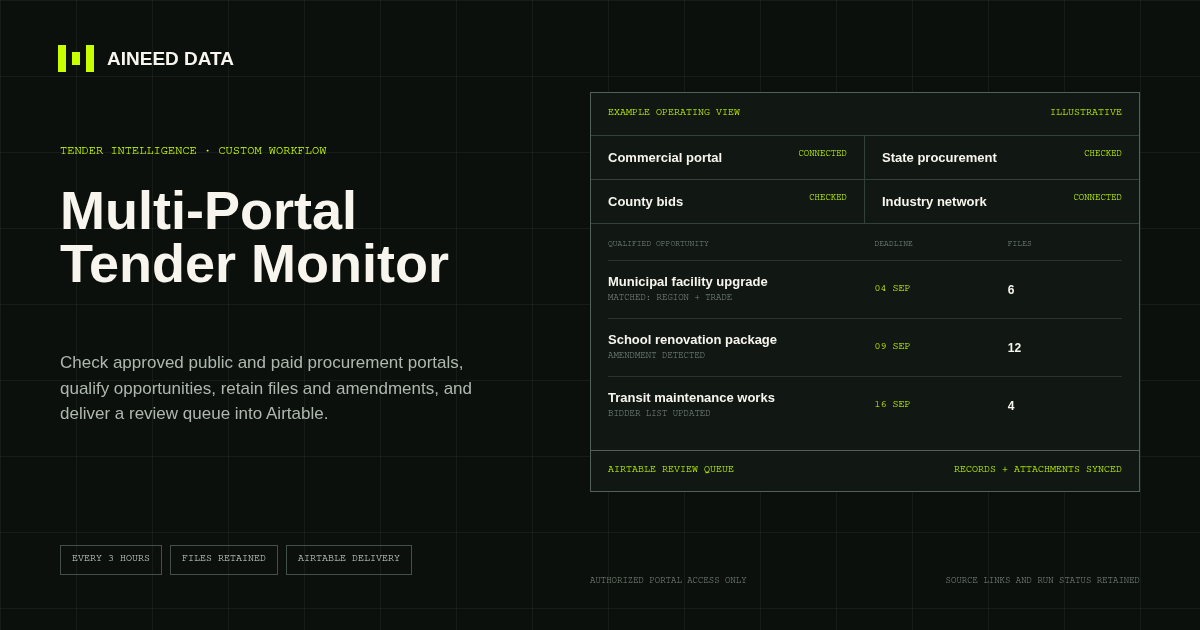
Monitoring · Custom
Monitor an agreed mix of public and customer-authorized paid tender portals, apply qualification rules, track changes, and deliver source-linked opportunities and files into Airtable.
Explore workflow
Request configuration
Share the sources, rules, and destination. We’ll verify access and confirm the final setup and monthly operating scope.