
Use it directly
- CSV and JSON exports
- Airtable or spreadsheet delivery
- Database and warehouse-ready records
- Customer-controlled backups
Track changes in search interest, regional demand, related queries, and emerging topics without repeatedly checking trend tools manually.
Your input
You do not need to prepare technical configuration. Provide the business requirements, examples, and approved access; we translate them into fields, rules, and a tested schedule.
The result
A scheduled trend table showing which topics are rising, falling, or changing by location, with significant movements highlighted for review.
Best for: Marketing, SEO, content, product, research, investment, and market-expansion teams.
AI-ready delivery
Receive normalized records directly or let an approved agent retrieve them through a scoped interface. Source evidence, transformations, timestamps, and exception states remain available for review.
Explore managed services for outreach and follow-upWorked example
Examples show the delivery structure before setup. Names and values are illustrative, not client records or performance claims.
Example input
{
  "search_terms": [
    "solar panel installation",
    "commercial solar panels",
    "solar battery storage"
  ],
  "geography": "United Kingdom",
  "time_range": "Past 12 months",
  "frequency": "Weekly",
  "alert_threshold": "20% change",
  "delivery": "Google Sheets"
}
Example delivery
Illustrative record{
"search_term": "solar battery storage",
"period": "2026-W33",
"interest_index": 82,
"change_from_previous": "+18%",
"direction": "rising",
"leading_region": "South East",
"rising_query": "home battery grant",
"data_status": "complete",
"review_status": "review"
}Installation path
The first representative run is reviewed before the workflow becomes a recurring operation.
Provide terms and geography
Confirm comparison and date settings
Run a representative collection
Review output fields and alerts
Launch scheduled monitoring
Managed history
Each run is timestamped and appended. Earlier observations remain available so changing interest, regions, queries, and topics can be compared across the life of the workflow.
Retention and portability
Retention is agreed during setup. Historical tables can be exported to CSV, JSON, or a customer-controlled destination. Longer-term managed archives and deletion requirements are scoped explicitly. The resulting dataset belongs to the customer. Aineed Data retains only the managed copy and history agreed for operation. CSV, JSON, Airtable, database, warehouse, scoped API, customer-controlled backup, deletion, portability, and exit-export requirements are defined during setup.
Interpretation limits
History makes comparison possible, but it does not remove source limitations or turn signals into guaranteed business outcomes.
Google Trends reports relative interest, not absolute search volume
Values depend on terms, topics, geography, date range, and comparison settings
Low-volume data may be unavailable
Rising percentages can start from a small baseline
Current periods may be partial
Safeguards
Access, retention, exports, and operating controls are confirmed for this workflow before launch.
Exact run configuration retained
Zero, no-data, and partial states kept distinct
No claim of market size or guaranteed demand
Important changes remain subject to human interpretation
Related workflows
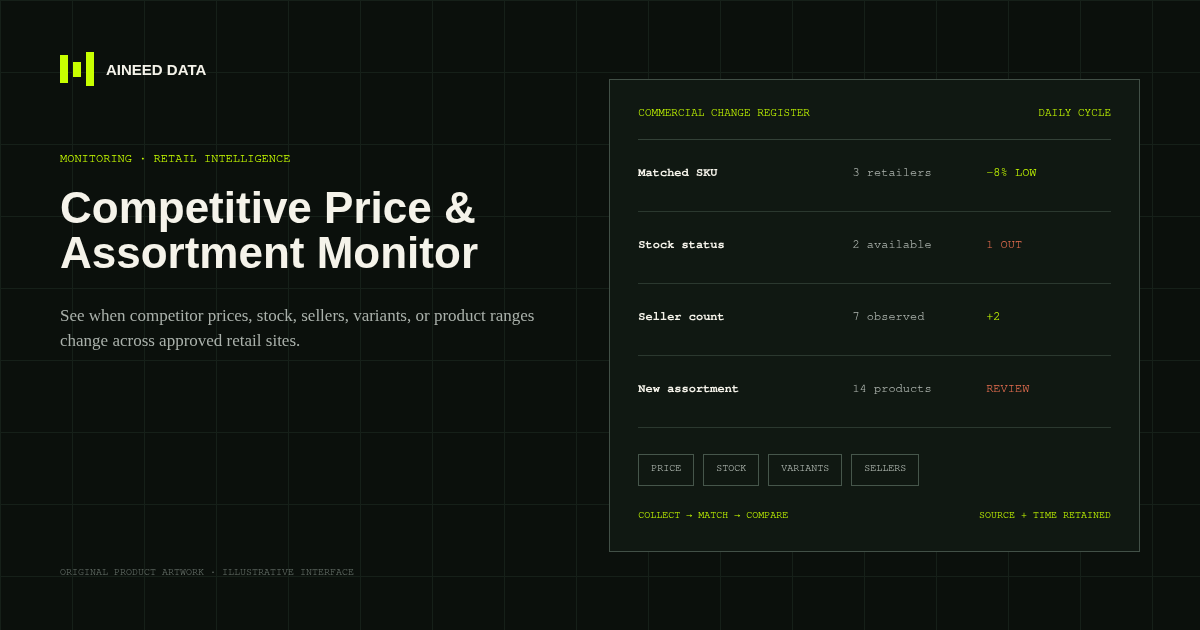
Monitoring · Configured
Know when competitor prices, availability, sellers, variants, or product ranges change across approved public retail and marketplace pages.
Explore workflow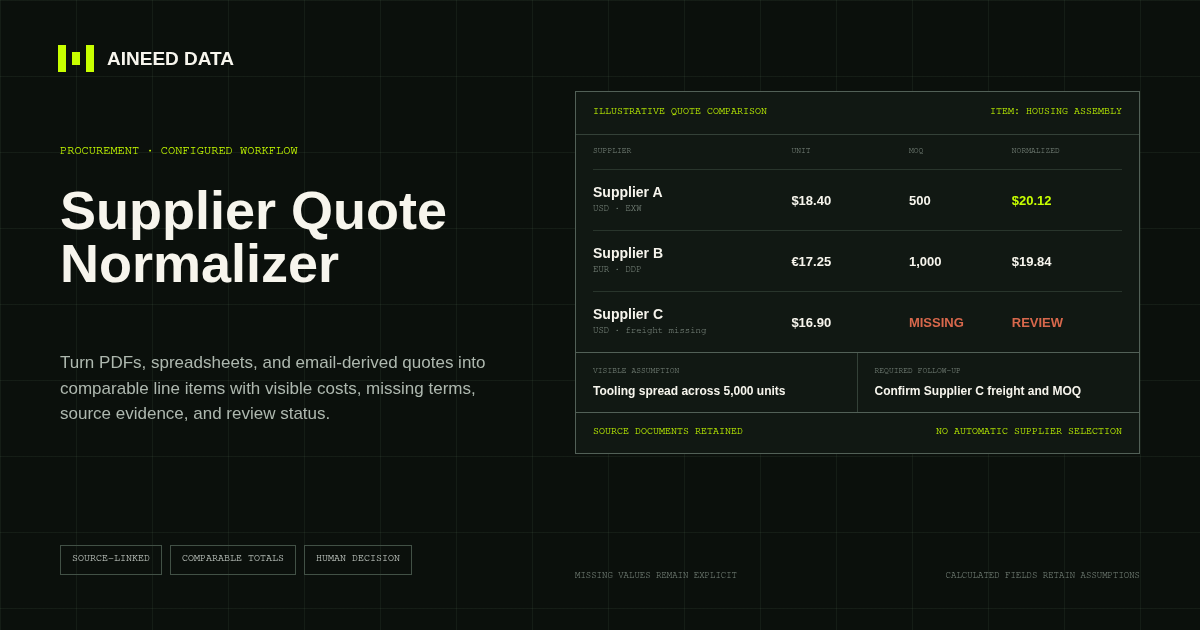
Data Collection · Configured
Convert supplier quotes from PDFs, spreadsheets, and approved email-derived text into comparable line items with explicit terms, assumptions, source evidence, and missing-information flags.
Explore workflow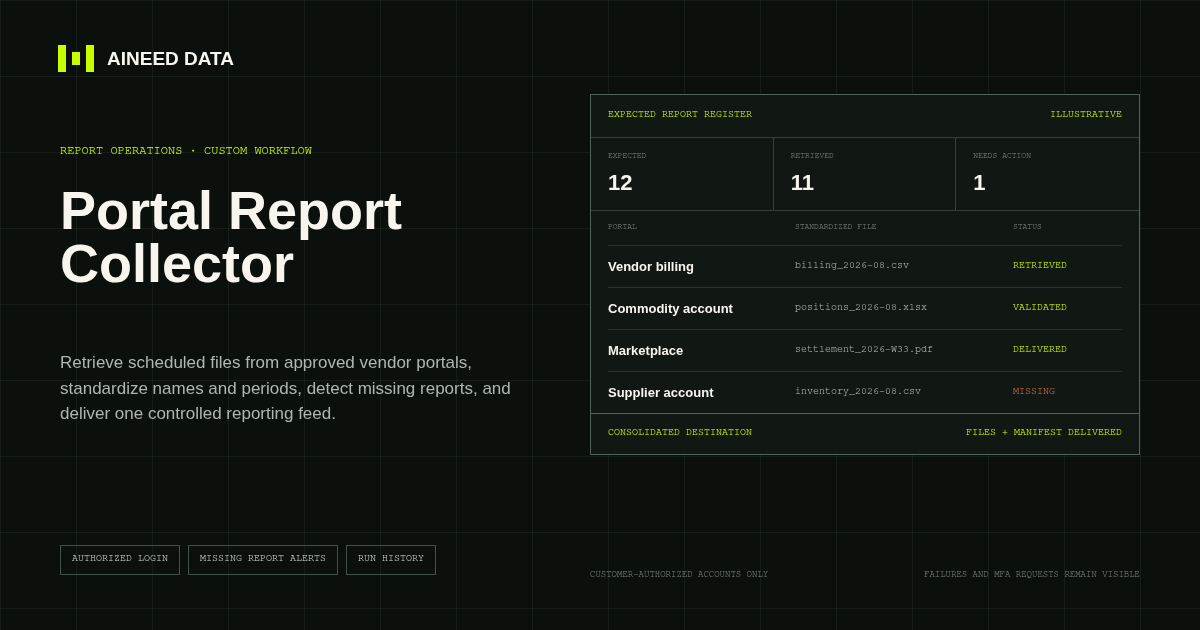
Reporting · Custom
Sign in to approved vendor and business portals on schedule, retrieve expected CSV, Excel, PDF, and other report files, and deliver one validated reporting feed.
Explore workflow
Start setup
Share the sources, rules, and destination. We’ll verify access and confirm the final setup and monthly operating scope.