
Use it directly
- CSV and JSON exports
- Airtable or spreadsheet delivery
- Database and warehouse-ready records
- Customer-controlled backups
Turn approved company targets into a reviewable map of visible professional roles, locations, profile URLs, and team coverage for account or talent research.
Your input
You do not need to prepare technical configuration. Provide the business requirements, examples, and approved access; we translate them into fields, rules, and a tested schedule.
The result
A source-linked account team map that helps sales, recruiting, partnerships, research, and market teams understand visible role coverage, identify research gaps, and prepare informed human follow-up.
Best for: Account-based sales, recruiting, partnerships, executive search, market research, competitive intelligence, workforce planning, and CRM operations teams with an approved target-company list and legitimate research purpose.
AI-ready delivery
Receive normalized records directly or let an approved agent retrieve them through a scoped interface. Source evidence, transformations, timestamps, and exception states remain available for review.
Explore managed services for outreach and follow-upConfigurable service
The modules describe business capabilities, not separate tools to operate. Select the coverage, filters, review rules, schedule, and destination during setup.
Worked example
Examples show the delivery structure before setup. Names and values are illustrative, not client records or performance claims.
Example input
{
  "companies": [
    {
      "name": "Example Industrial Group",
      "linkedin_company_url": "https://www.linkedin.com/company/example-industrial/people/"
    }
  ],
  "filters": [
    "procurement",
    "operations",
    "engineering"
  ],
  "max_visible_profiles_per_company": 25,
  "max_total_records": 50,
  "include_profile_images": false,
  "purpose": "Account planning research",
  "frequency": "One-time",
  "delivery": "Account team review table",
  "access_handoff": "Secure after approval"
}
Example delivery
Illustrative record{
"company_name": "Example Industrial Group",
"company_url": "https://www.linkedin.com/company/example-industrial/",
"person_name": "Synthetic Example",
"job_title_raw": "Procurement Operations Manager",
"location_raw": "United States",
"profile_url": "https://www.linkedin.com/in/synthetic-example/",
"matched_filters": [
"procurement",
"operations"
],
"source_result_position": 7,
"collected_at": "2026-08-19T09:00:00Z",
"source_state": "visible",
"review_status": "review",
"example_status": "synthetic"
}Installation path
The first representative run is reviewed before the workflow becomes a recurring operation.
Confirm the legitimate purpose, approved companies, platform terms, authorization, filters, record limits, and prohibited uses
Review access requirements and arrange a secure customer-authorized session handoff after scope approval
Run a small representative sample and confirm visible fields, coverage, missing states, and session behavior
Agree deduplication, role grouping, review rules, retention, schedule, and destination
Launch only when the customer confirms authorization and permitted use
Review session expiry, access challenges, incomplete company pages, role gaps, duplicates, and source changes
Managed history
When recurring monitoring is approved, each run can append timestamped observations instead of silently replacing previous records. Visible role, location, profile URL, company association, source position, availability, session state, and review decision can be compared across the agreed period.
Retention and portability
Retention is agreed before access. Structured records can be exported to CSV, JSON, spreadsheets, a CRM preparation file, database, or another customer-controlled destination. Names, professional profile URLs, locations, role history, and profile images are personal data and require purpose-limited retention, access, deletion, and downstream-use rules. Session material is handled separately and revoked or removed under the agreed access procedure. The resulting dataset belongs to the customer. Aineed Data retains only the managed copy and history agreed for operation. CSV, JSON, Airtable, database, warehouse, scoped API, customer-controlled backup, deletion, portability, and exit-export requirements are defined during setup.
Interpretation limits
History makes comparison possible, but it does not remove source limitations or turn signals into guaranteed business outcomes.
Results reflect only people visibly presented on approved LinkedIn company People pages during the authorized session and are not a complete employee directory
LinkedIn can show fewer people than a company count and can vary results by account, region, filters, page layout, session, and time
Names, titles, locations, images, profile URLs, connection labels, and company associations can be absent, stale, ambiguous, or self-reported
A profile appearing on a company People page does not prove current employment, seniority, authority, availability, or suitability
Keyword filters can miss relevant people or include unrelated matches
Sessions expire and may require customer action; verification, MFA, or access restrictions are not bypassed
The workflow does not collect personal emails, phone numbers, full private profiles, private connections, or restricted-product data
Scaling price depends on companies, filters, visible profiles, returned records, frequency, retention, storage, and review requirements
Customers remain responsible for platform terms, lawful basis, transparency, privacy rights, employment rules, outreach rules, and downstream use
Safeguards
Access, retention, exports, and operating controls are confirmed for this workflow before launch.
Do not submit passwords, cookies, authentication tokens, MFA codes, or session exports through the public request form or ordinary email
Secure access handoff occurs only after authorization, platform-permission, and scope review
Customer-owned or customer-authorized account with least privilege and documented revocation
No bypassing MFA, verification challenges, account restrictions, access controls, or platform limits
Visible company People-page information only; no private profiles, connection graphs, restricted products, or hidden content
No personal email addresses, phone numbers, private contact details, or sensitive-trait inference
No automated outreach, connection requests, messages, employment decisions, or autonomous lead scoring
Profile image collection is disabled unless required and approved
No representation of LinkedIn affiliation, endorsement, official data access, or complete employee coverage
Related workflows
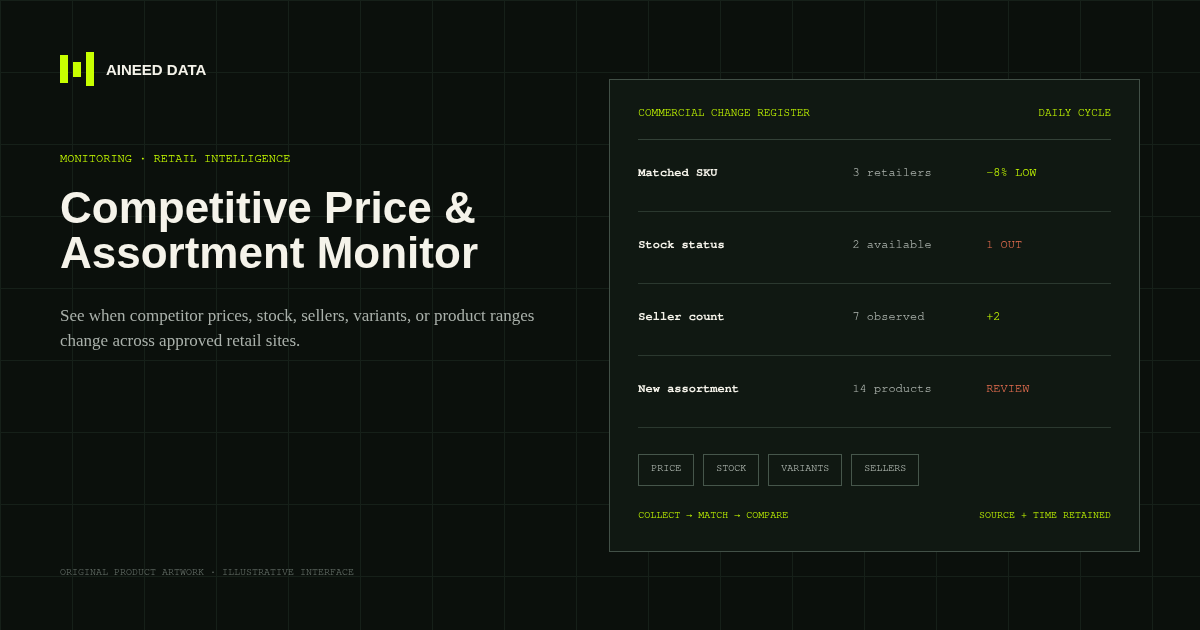
Monitoring · Configured
Know when competitor prices, availability, sellers, variants, or product ranges change across approved public retail and marketplace pages.
Explore workflow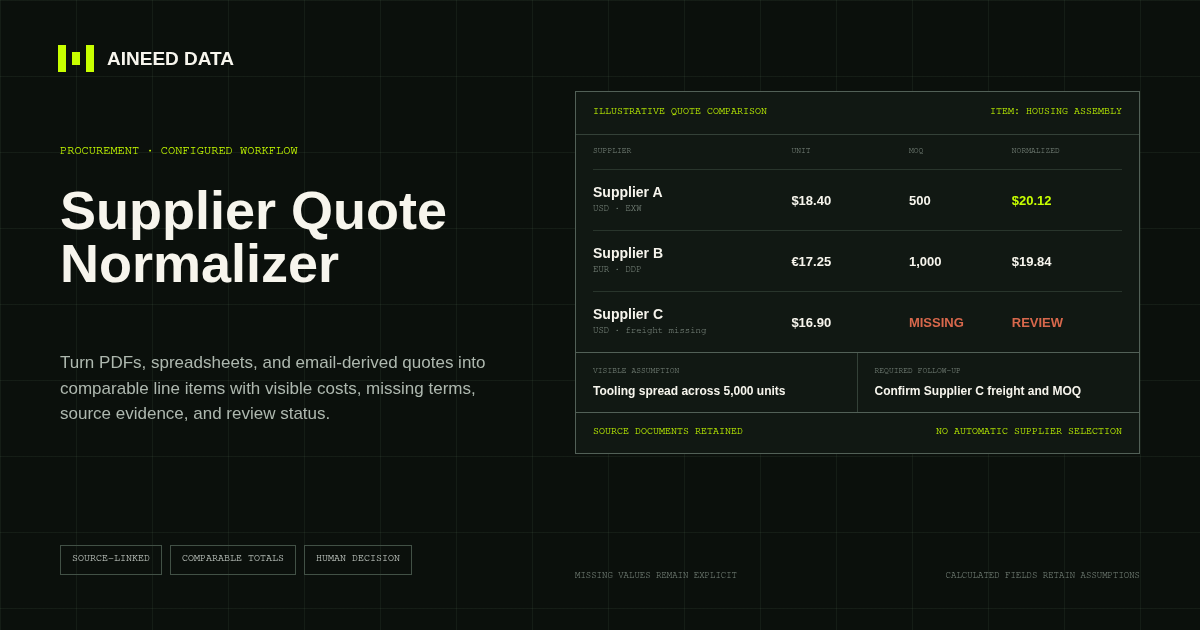
Data Collection · Configured
Convert supplier quotes from PDFs, spreadsheets, and approved email-derived text into comparable line items with explicit terms, assumptions, source evidence, and missing-information flags.
Explore workflow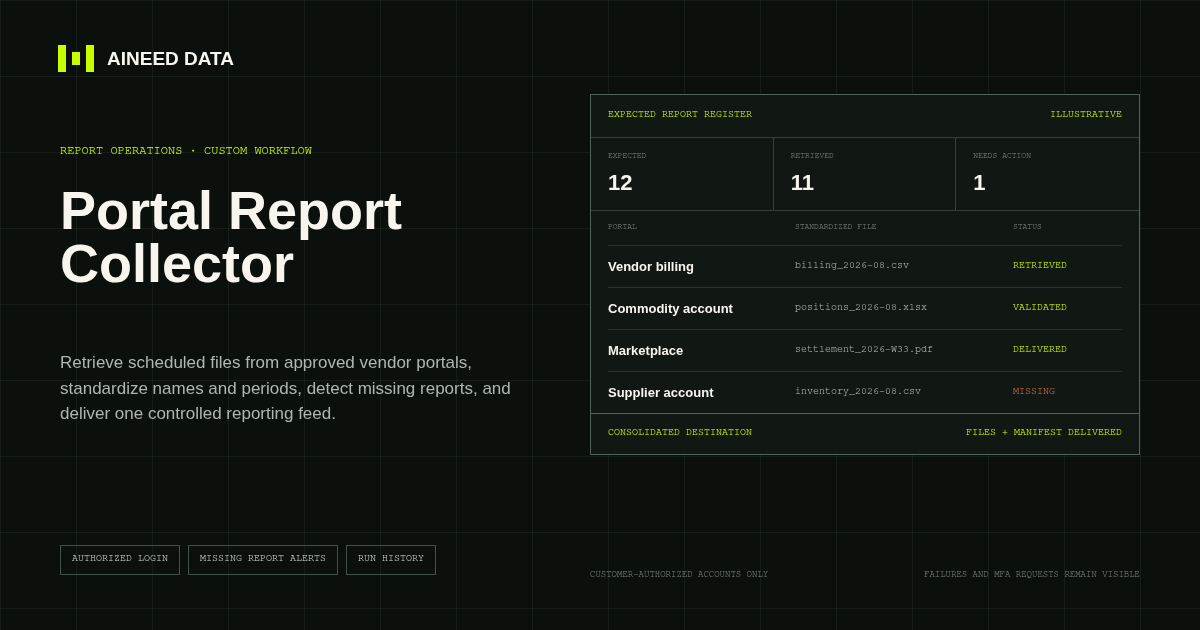
Reporting · Custom
Sign in to approved vendor and business portals on schedule, retrieve expected CSV, Excel, PDF, and other report files, and deliver one validated reporting feed.
Explore workflow
Request configuration
Share the sources, rules, and destination. We’ll verify access and confirm the final setup and monthly operating scope.