
Use it directly
- CSV and JSON exports
- Airtable or spreadsheet delivery
- Database and warehouse-ready records
- Customer-controlled backups
Turn your ideal customer profile into a structured B2B prospect shortlist with role, company, contact, location, and qualification context ready for human review and approved sales workflows.
Your input
You do not need to prepare technical configuration. Provide the business requirements, examples, and approved access; we translate them into fields, rules, and a tested schedule.
The result
A focused prospecting feed that helps teams find the right people and companies, understand why each record fits, and move approved prospects into CRM, AI research, and managed outreach operations without starting from an unfiltered list.
Best for: B2B sales, marketing, recruiting, partnerships, account-based marketing, agencies, and operators building a repeatable prospecting process.
AI-ready delivery
Receive normalized records directly or let an approved agent retrieve them through a scoped interface. Source evidence, transformations, timestamps, and exception states remain available for review.
Explore managed services for outreach and follow-upConfigurable service
The modules describe business capabilities, not separate tools to operate. Select the coverage, filters, review rules, schedule, and destination during setup.
Worked example
Examples show the delivery structure before setup. Names and values are illustrative, not client records or performance claims.
Example input
{
  "goal": "Find operations leaders at mid-market software companies",
  "roles": ["VP Operations", "Head of Operations"],
  "seniority": ["vp", "director"],
  "industries": ["software", "saas"],
  "company_size": ["51-200", "201-500"],
  "country": ["United States"],
  "business_email_required": true,
  "exclude_existing_crm_records": true,
  "result_volume": 5000,
  "delivery": "CRM-ready review queue"
}
Example delivery
Illustrative record{
"person_name": "Example Contact",
"job_title": "VP of Operations",
"seniority": "vp",
"company_name": "Example Software Company",
"company_domain": "example.com",
"company_location": "United States",
"business_email_status": "Available for review",
"source_checked_at": "2026-08-22T06:00:00Z",
"qualification_state": "Needs human review",
"example_status": "Synthetic example"
}Installation path
The first representative run is reviewed before the workflow becomes a recurring operation.
Translate the ideal customer profile into clear role, company, location, and contact criteria
Preview the expected result volume and refine filters
Run a representative sample to review fit, duplicates, source coverage, and field quality
Confirm the output schema, record-volume quote, review owner, retention, and destination
Deliver structured prospects with visible source and contact-status fields
Connect approved prospects to CRM, AI research, qualification, outreach, follow-up, and meeting workflows
Managed history
Each prospecting run is stored as a dated result set. Your team can see which criteria produced each person or company, when data was collected, what contact status was available, which records were approved or suppressed, and how the target market changed across runs.
Retention and portability
The $1,500 setup covers ICP translation, field and qualification design, filter testing, output configuration, and launch preparation. Ongoing usage is quoted by expected record volume and agreed source scope. Refreshes, enrichment, storage, external source costs, and managed outreach operation are scoped separately. The resulting prospect and qualification records belong to the customer. Aineed Data retains only the managed copy and history agreed for operation. Deletion, portability, suppression, and exit-export terms are defined during setup.
Interpretation limits
History makes comparison possible, but it does not remove source limitations or turn signals into guaranteed business outcomes.
This is a prospecting dataset, not a guarantee of accuracy, deliverability, interest, buying authority, or conversion
Coverage, freshness, and field availability vary by source, market, role, and company
A verified or available email status should still be checked against lawful purpose and suppression rules
Attributes can change after collection and should be refreshed before important campaigns
Strict filters may produce fewer results; previews and samples help identify over-restriction
Usage is quoted by expected record volume and source scope; setup, refreshes, enrichment, external costs, and managed services are separate
AI-generated qualification and summaries must be checked against source records
Customers remain responsible for lawful basis, notices, opt-outs, suppression, data rights, advertising rules, contracts, and downstream use
Safeguards
Access, retention, exports, and operating controls are confirmed for this workflow before launch.
B2B prospecting purposes only and within approved lawful use
Business contact availability is not proof of consent, deliverability, or permission for outreach
No sensitive-trait inference, protected-class profiling, health targeting, or personal-life enrichment
No private-account access, passwords, cookies, session exports, or access-control bypassing
No automated outreach, calls, messages, connection requests, or CRM actions from this discovery workflow alone
Managed outreach requires approved recipients, content, frequency limits, opt-out handling, and named ownership
AI can classify, summarize, prioritize, and recommend; consequential contact and commercial actions require human approval
Customers remain responsible for privacy, data rights, suppression, direct-marketing, platform, and applicable-law requirements
Related workflows
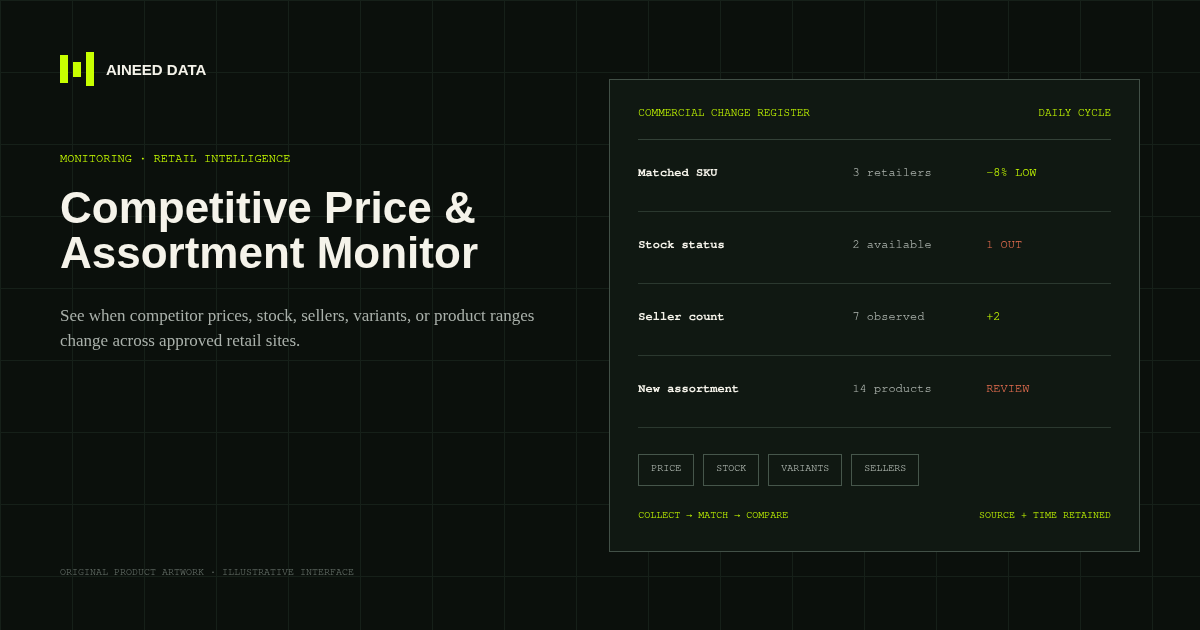
Monitoring · Configured
Know when competitor prices, availability, sellers, variants, or product ranges change across approved public retail and marketplace pages.
Explore workflow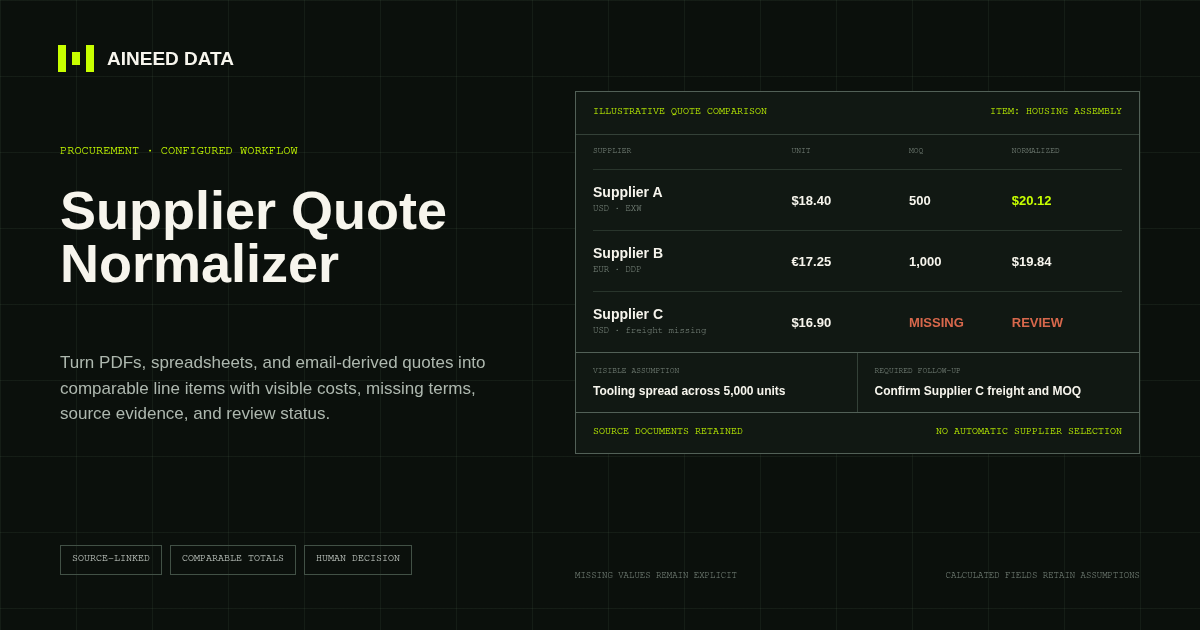
Data Collection · Configured
Convert supplier quotes from PDFs, spreadsheets, and approved email-derived text into comparable line items with explicit terms, assumptions, source evidence, and missing-information flags.
Explore workflow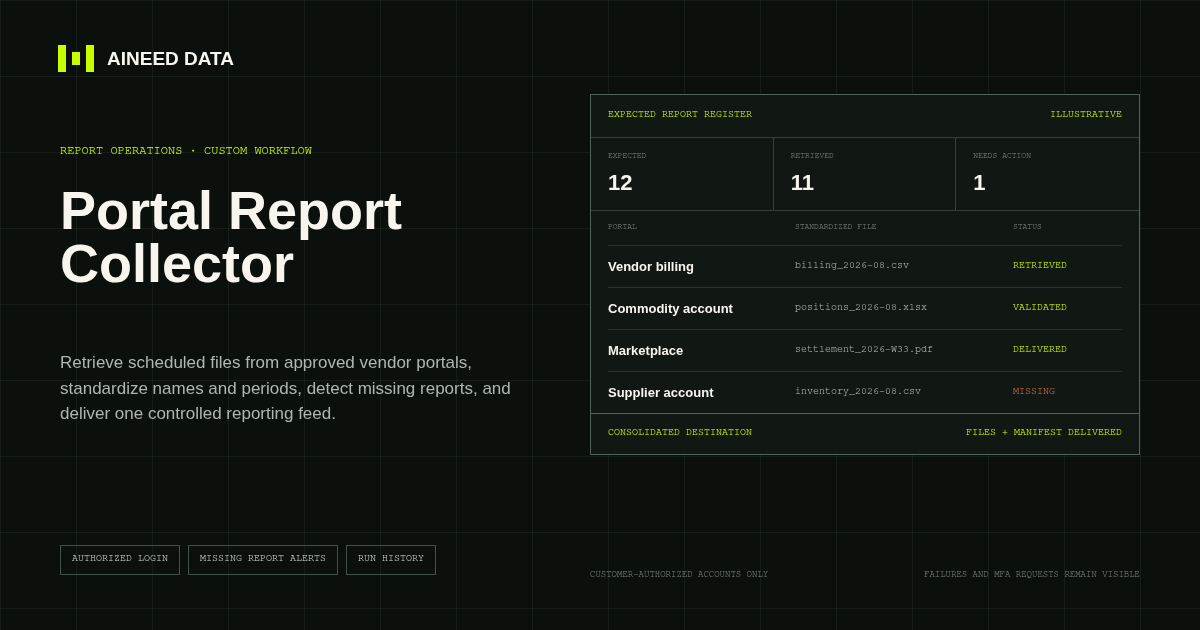
Reporting · Custom
Sign in to approved vendor and business portals on schedule, retrieve expected CSV, Excel, PDF, and other report files, and deliver one validated reporting feed.
Explore workflow
Request configuration
Share the sources, rules, and destination. We’ll verify access and confirm the final setup and monthly operating scope.