
Use it directly
- CSV and JSON exports
- Airtable or spreadsheet delivery
- Database and warehouse-ready records
- Customer-controlled backups
Turn an approved LinkedIn profile list into a controlled contact-review queue with normalized profile links, contact availability, source status, and clear next steps for human-approved outreach.
Your input
You do not need to prepare technical configuration. Provide the business requirements, examples, and approved access; we translate them into fields, rules, and a tested schedule.
The result
A safer handoff from professional research to sales or partnership operations: identify which approved profiles have a usable contact route, preserve the source and review context, and connect qualified records to CRM and managed outreach workflows without sending anything automatically.
Best for: B2B sales, recruiting, partnerships, agencies, sponsorship teams, account-based marketing, and operations teams working from an approved professional contact list.
AI-ready delivery
Receive normalized records directly or let an approved agent retrieve them through a scoped interface. Source evidence, transformations, timestamps, and exception states remain available for review.
Explore managed services for outreach and follow-upConfigurable service
The modules describe business capabilities, not separate tools to operate. Select the coverage, filters, review rules, schedule, and destination during setup.
Worked example
Examples show the delivery structure before setup. Names and values are illustrative, not client records or performance claims.
Example input
{
  "profile_urls": [
    "https://www.linkedin.com/in/example-professional"
  ],
  "purpose": "Approved B2B partnership research",
  "contact_route_required": "Professional business contact only",
  "freshness_window": "Checked before outreach",
  "exclude_existing_contacts": true,
  "delivery": "CRM review queue",
  "managed_service_handoff": false
}
Example delivery
Illustrative record{
"profile_url": "https://www.linkedin.com/in/example-professional",
"profile_reference": "example-professional",
"contact_route_status": "Available for human review",
"professional_contact_type": "Business contact route",
"contact_value": null,
"source_checked_at": "2026-08-22T06:00:00Z",
"suppression_status": "Not suppressed",
"outreach_state": "Awaiting approval",
"example_status": "Synthetic example"
}Installation path
The first representative run is reviewed before the workflow becomes a recurring operation.
Provide the approved LinkedIn profile list and the legitimate business purpose
Define what counts as a usable professional contact route and which records must be excluded
Run a small sample to review matching, missing values, duplicates, source status, and retention requirements
Confirm the output schema, list-volume quote, suppression process, review owner, and destination
Deliver a contact-review queue without initiating calls, messages, or outreach
Connect only approved records to Aineed managed services for message drafting, approved sending, reply classification, follow-up, meeting routing, or negotiation preparation
Managed history
Each contact-review run is stored as a dated result set linked to the supplied profile. Your team can compare contact status, source timestamp, duplicate state, approvals, exclusions, opt-outs, and managed-service handoffs without silently overwriting previous decisions.
Retention and portability
The $500 setup covers input review, contact-field design, matching rules, sample testing, suppression handling, output configuration, and launch preparation. Ongoing usage is quoted by list volume and agreed scope. Refreshes, storage, external source costs, and managed outreach operation are scoped separately. The resulting contact-review records belong to the customer. Aineed Data retains only the managed copy and history agreed for operation. Deletion, portability, suppression, and exit-export terms are defined during setup.
Interpretation limits
History makes comparison possible, but it does not remove source limitations or turn signals into guaranteed business outcomes.
A contact-route result is not a guarantee of accuracy, current ownership, deliverability, permission, response, or commercial interest
Contact information can be missing, stale, unavailable, incorrectly matched, or changed after collection
A personal mobile number must not be treated as a business contact without a lawful and appropriate purpose
A source status does not establish consent for calls, texts, email, or platform messages
The workflow does not make calls, send messages, or perform outreach by itself
Usage is quoted by list volume and agreed scope; setup, refreshes, external costs, and managed services are separate
AI-generated routing and summaries must be checked against source records and internal policy
Customers remain responsible for privacy, direct marketing, employment, platform terms, opt-outs, data rights, contracts, and downstream use
Safeguards
Access, retention, exports, and operating controls are confirmed for this workflow before launch.
Authorized professional-contact purposes only
No private profile access, passwords, cookies, session exports, or access-control bypassing
Personal mobile numbers are not treated as automatically usable business contacts; purpose, lawful basis, permission, and retention must be confirmed
No automated calls, texts, messages, connection requests, or outreach from this workflow alone
Managed outreach requires approved recipients, content, sender identity, frequency limits, opt-out handling, and named ownership
AI may normalize, classify, summarize, and recommend; contact and commercial actions require human approval
No sensitive-trait inference, personal-life enrichment, or protected-class profiling
No representation of LinkedIn affiliation, endorsement, official API status, or complete coverage
Customers remain responsible for privacy, direct-marketing, employment, platform, contractual, and applicable-law requirements
Related workflows
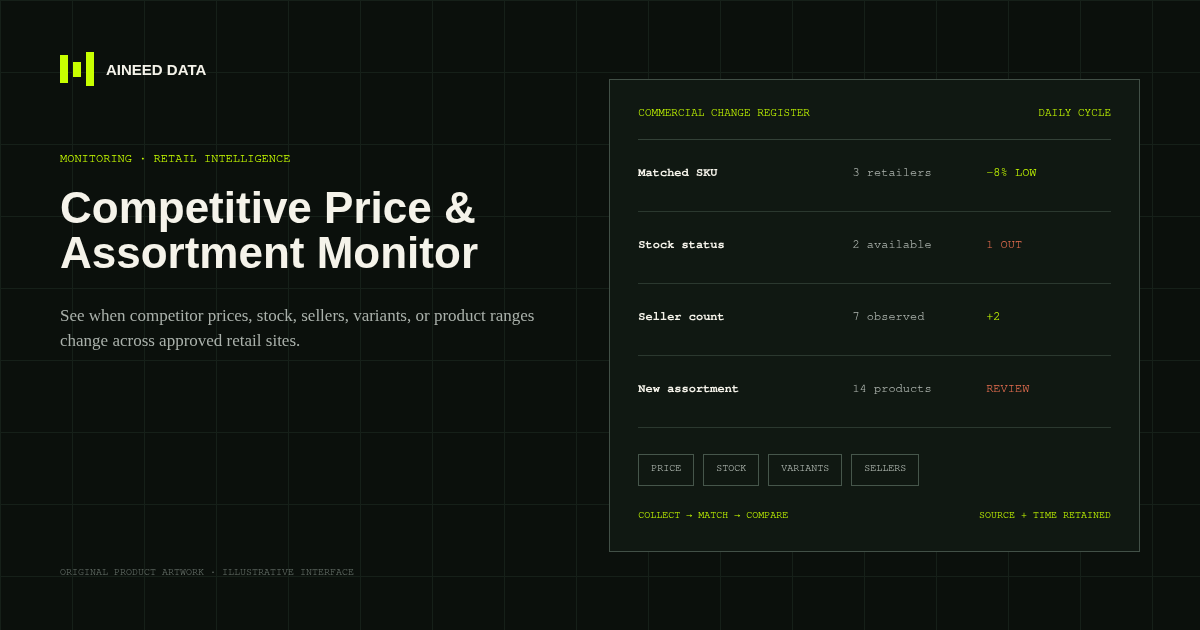
Monitoring · Configured
Know when competitor prices, availability, sellers, variants, or product ranges change across approved public retail and marketplace pages.
Explore workflow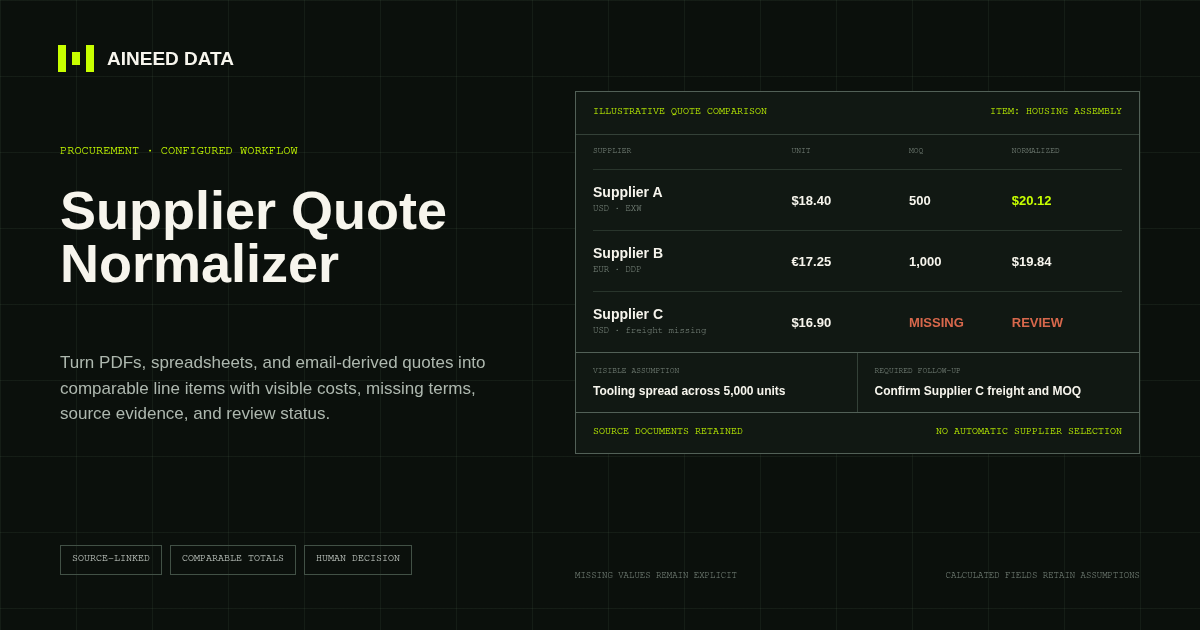
Data Collection · Configured
Convert supplier quotes from PDFs, spreadsheets, and approved email-derived text into comparable line items with explicit terms, assumptions, source evidence, and missing-information flags.
Explore workflow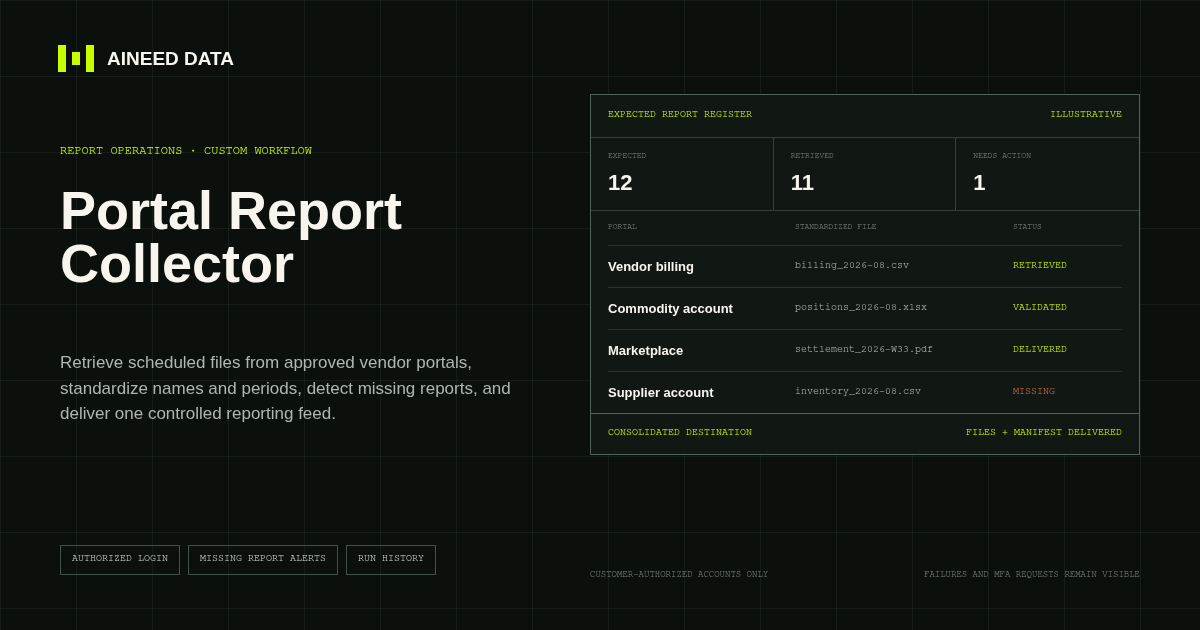
Reporting · Custom
Sign in to approved vendor and business portals on schedule, retrieve expected CSV, Excel, PDF, and other report files, and deliver one validated reporting feed.
Explore workflow
Request configuration
Share the sources, rules, and destination. We’ll verify access and confirm the final setup and monthly operating scope.